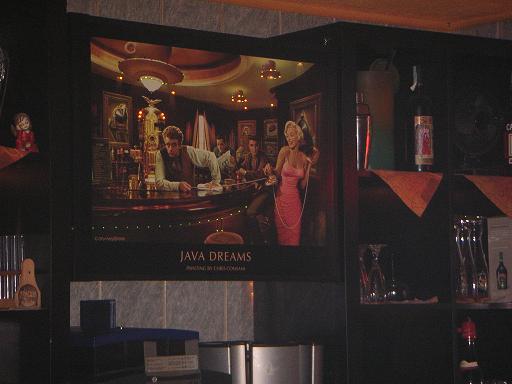
Last night I saw this ‘Java Dreams’ poster in a German Kebab house .
Last night I saw this ‘Java Dreams’ poster in a German Kebab house .
The results of the funny nerd test is summarized in the following picture. Although I am not proud to be a nerd king, because nerdy means: unattractive or socially inept, but intelligent person. And I am definitely NOT socially inept. And my girl said I am not unattractive, but this is relative as intelligent is relative 😉

Enjoy! And find out how nerdy you are!
Im Gespräch mit seapegasus 😉 auf den Sun Tech Days habe ich erfahren, dass Tastaturkürzel gar nicht so gebräuchlich sind. Für mich erhöhen diese aber signifikant die Entwicklung.
Daher hier die wichtigsten und wie diese vorher waren (NetBeans 5.5.1 -> NetBeans 6.0):
Diese Kürzel bleiben:
Hier eine alte Version dieses Themas in Englisch. (09. September 2007)
Hier die komplette Übersicht der Kürzel für:
Die pdf – Dokumente sind auch jeweils über Help -> Keyboard Shortcuts Card erreichbar und dort wahrscheinlich auch aktueller.
Wie kann man nun diese Kürzel ändern? Gehe zu: Tools -> Options -> Keymap! Dort könnte man die alten von nb 5.5 aktivieren oder sogar die von Eclipse. Wie druckt man sich dann eine Übersicht aus? Einfach ein Tastaturkürzel (z.B ALT STRG SHIFT E) der ‘Export Shortcut as HTML’ – Aktion zuordnen. Zu finden unter Tools -> Options -> Keymap: Window und dann die generierte Datei: /home/name/.netbeans/6.0/config/shortcuts.html ausdrucken! Dies Idee ist von Geertjan und man erhält damit auch einen guten Vergleich zwischen Eclipse, NetBeans 6.0 und 5.5.
Wer braucht das Buch:
Grafische Versionskontrolle mit CVS und Subversion ???
Noch original verpackt und hier ein paar Probekapitel.
Ihr bekommt es für 20 EUR + Versandkosten (ihr spart 15 EUR!), da ich es bei den Sun Tech Days in Frankfurt geschenkt bekommen habe, werde ich dieses Geld spenden. Und zwar hierhin:
http://www.handinhand-ev.org (Ihr könnt eine Email von denen bekommen, denke ich, damit ihr seht, dass ich nicht lüge …)
5 EUR mehr und ihr bekommt noch einen Stoffbeutel, eine Solaris Express Dev. Edition DVD, einen Kofferanhänger und einen Kuli von Sun!
Falls es mehrere Interessenten gibt, bekommts der Schnellste!
James Gosling: 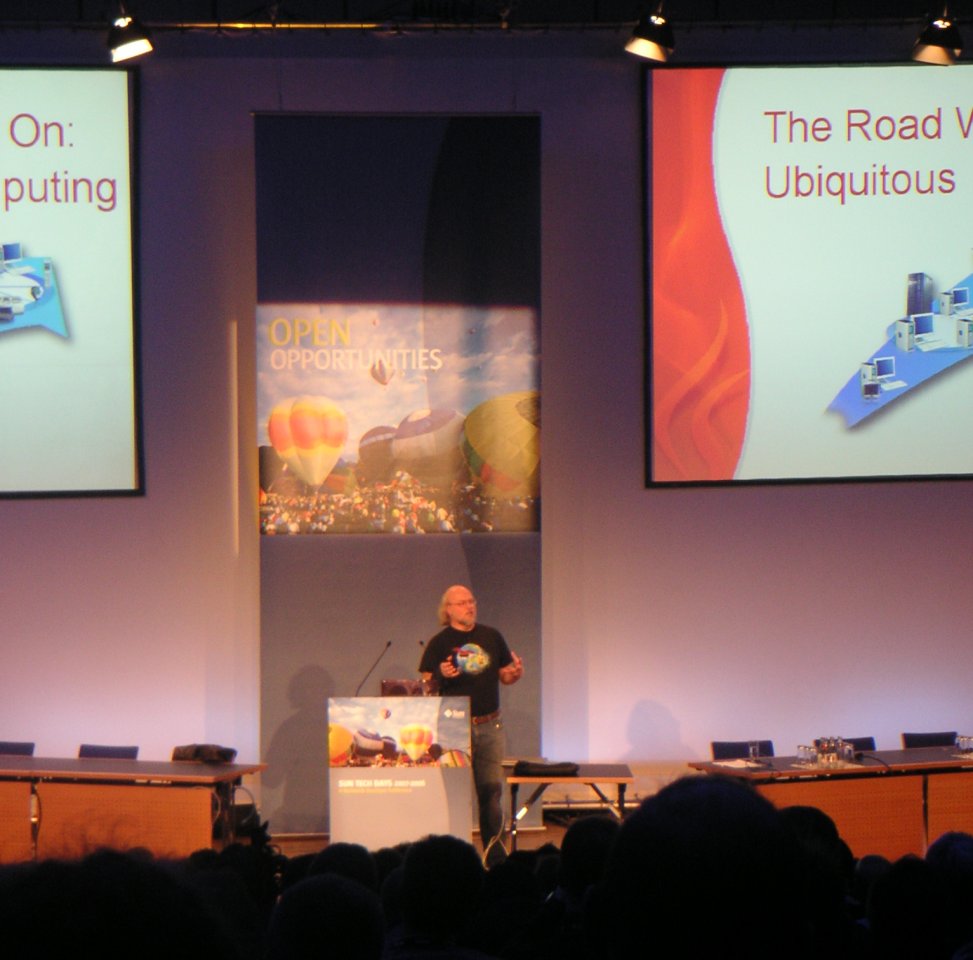
Sun Tech Days 10th Birthday: 
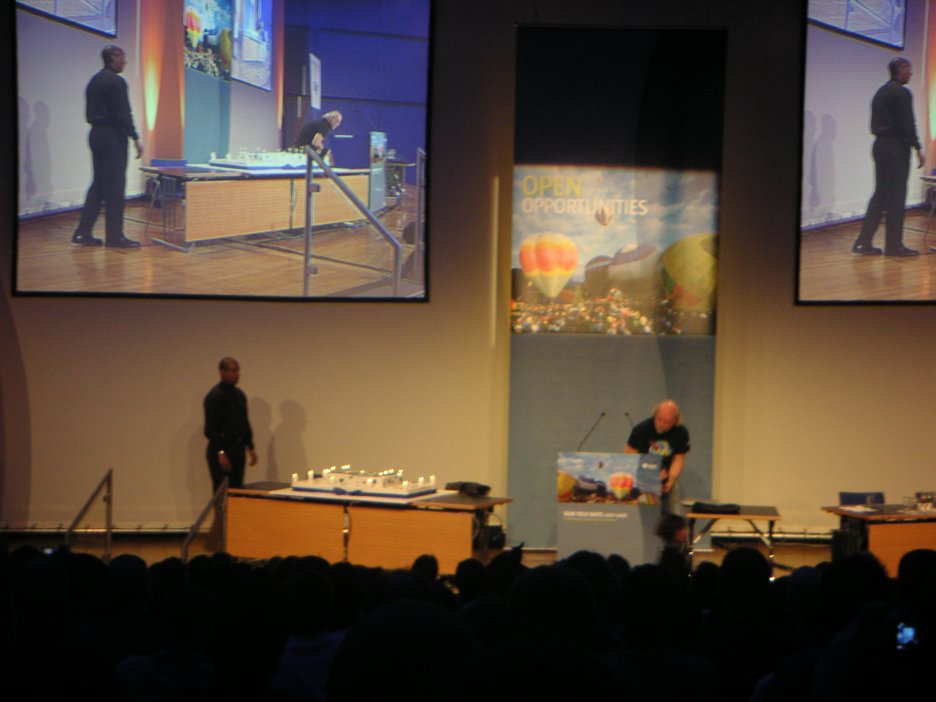
Congress Center: 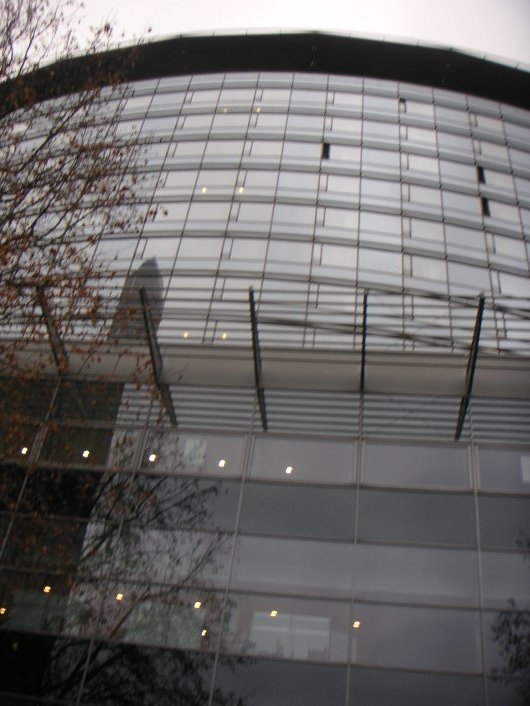
Simon Ritter’s Talk: 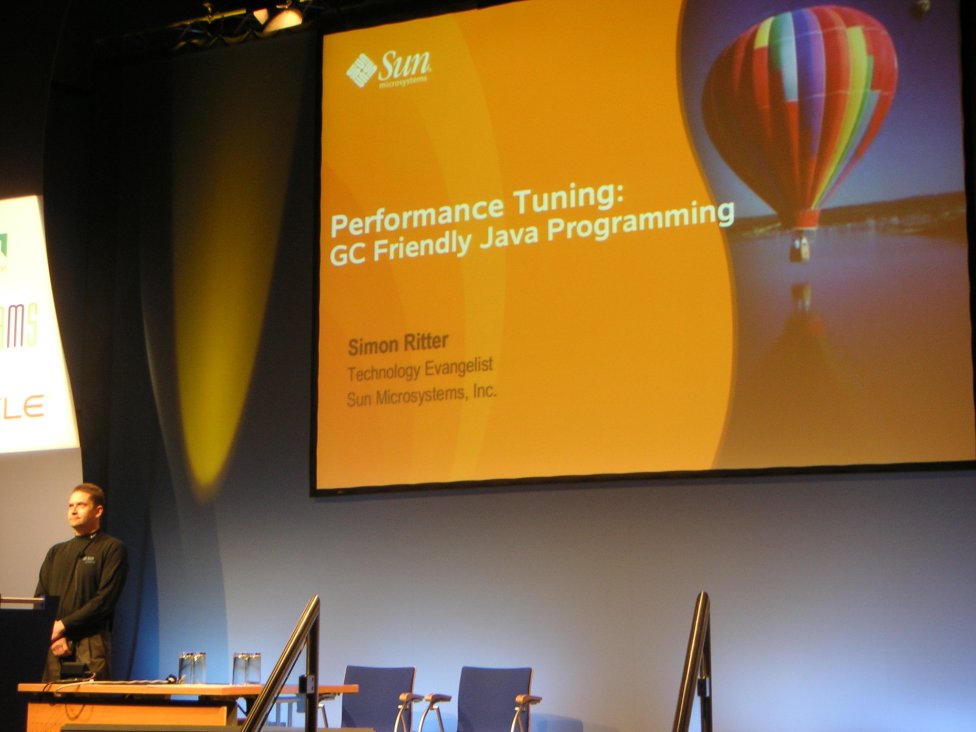
Frankfurt by Night: 
This week I visited the Tech Days in Frankfurt, but I couldn’t visit the NetBeans Day 😦
I will write some more information as update here and post some images in an extra entry. Additionally I will point to the slides as pdf from this entry here if they become available.
By train it was relative easy to reach the congress center in Frankfurt, but I was late because the train from Bayreuth takes more than 4 hours…
I went directly into a talk of Inyoung Cho about Java SE 6. It was a good overview, but I expected more details or more technical description of some features.
Then I listened to the talk about javafx. JavaFX is cool, but not easy as I guess after trying it for myself. You should download the JavaFX plugin within the new NetBeans 6.0 (tools->plugins). You can try the following tutorial taken from this list.
I attended the ‘real time java’ session – now I know what preemptiv means: several applications can run in parallel but one application could block the entire (operating) system, this is not secure but necessary for real-time systems! I learned a lot of useful information e.g. that the garbage collector introduces nondeterministic behavior, but then at home (because I don’t have a laptop) I wanted to download the RTJS – but it is available as evaluation only!! 😦 This is bad… I couldn’t try it for my project nlo, which is open source. Here you can try it for yourself:
http://java.sun.com/javase/technologies/realtime/
Sun provided all the food and they donated every attendee a rucksack! And because I am a SDN member I got the event for free…
But now it’s enough advertising … and you should definitely check out jBeam.de 🙂
Heinz Kabutz and Kirk Peooerdine talked about concurrency and gave us some (ten) laws:
# if you catch an InterruptedException rethrow it or be sure you set the interrupt flag again.
# do not use a lots of threads and look at one thread at a time (while debugging)
# additionally threads should increase performance – so use max. 4 theads per core.
Use ExecutorService or ThreadPool’s that control the number
# different threads could see a different value of a variable, because the JVM is
allowed to cache the variables. So use volatile or synchronize the reads and writes
# The JVM is even allowed to reorder statements – so do not be too clever!
# += is not atomic, but use ReadWriteLock instead synchronize which solves the
problem, too. Or use AtomicInteger, because we need to protected the data and not
the whole code.
# don’t use String for locking (because is only one instance per string -> internalString)
# autodeadlock detection on javaspecialist.net
Another interesting theme is performance tuning; Simon Ritter explained all
the basics (there are two generations: young and old …) of the object allocation
in the jvm and then he said sth. about the hidden switchers ‘-XX’ of the JVM:
# -XX+UseTLAB switches on the thread local allocation, normally the space has
only one pointer which could slow down performance.
# -XX:CMSTriggerRatio tunes the GC interval. (CMS=concurent marking step)
# -XX:CMSIgnoreDutyCycle
# -XX:+UseLargePages, -XX:LargePageSizeInBytes=8M
GC loves small, immutable and short lived objects.
Avoid explicit calls of System.gc() trust the JVM!
Don’t write your own objects pools: this could reintroduce the C++ problems.
Further information:
portal.acm.org/citation.cfm?id=604153
developers.sun.com -> TS-3281
Last but not least we all get the ‘solaris developer edition’. But it
does’t run on my machine (to less memory – you will need more than 720MB, or so!)
I tried to use the ‘normal’ Solaris, but it failed too:
Setting up Java. Please wait…
Extracting windowing system. Please wait…
<nothing happens here for minutes …>
It’s a shame for Russia and its “democracy”:
http://en.wikinews.org/wiki/Chess_grand_master_Kasparov_arrested_after_protest
I am really interested in developing algorithms, so today I found a treasure:
The Algorithm Design Manual
They provide an interesting link of software collections for C++ and Java. (more software for this book)
And even audio files are available.
Other useful informations:
Java beats C++ 😉 Look here at the Sieve.cpp and the java implementation:
http://java.sun.com/developer/Books/javaprogramming/corejava/page7.html
Okay, it would be better to say: 1999 Java 1.2 beats Borland C++
 Navigatone