For my open source timetabler TimeFinder I got a free license of the Java profiler from yourkit.
TimeFinder is a maven project so it starts not out of the box with the latest yk-NetBeans plugin.
But the solution is simple:
- Right click the project->Set Configuration->Customize->Add… then enter a name (profile-algo) for the new configuration
- Go to the Run entry in this Project Properties dialog and select the Main Class where your mavenized J2SE application should start with
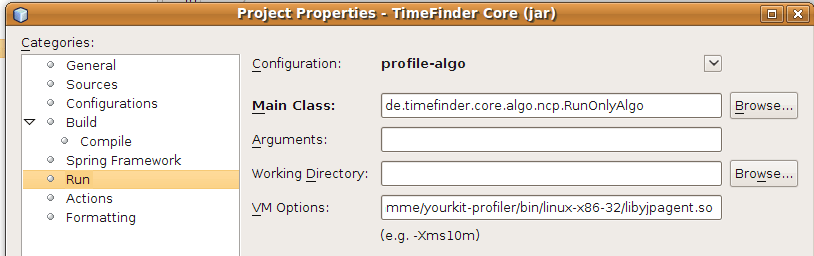
- Under VM Options I entered (for linux)
-agentpath:/home/user/Programme/yourkit-profiler/bin/linux-x86-32/libyjpagent.so
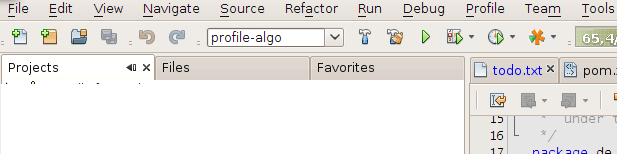
for another OS please look here. - Then select the previously created configuration (profile-algo) in the tool bar under the menu bar and hit F6 to start the mavenized J2SE application
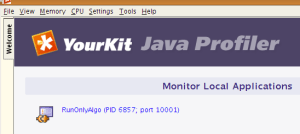
- At any time start the yk-profiler (before the J2SE application starts). Now a new entry under Monitor Local Applications should be listed. Click on that and you will be able to “look into” (aka “profile”) a mavenized J2SE application.
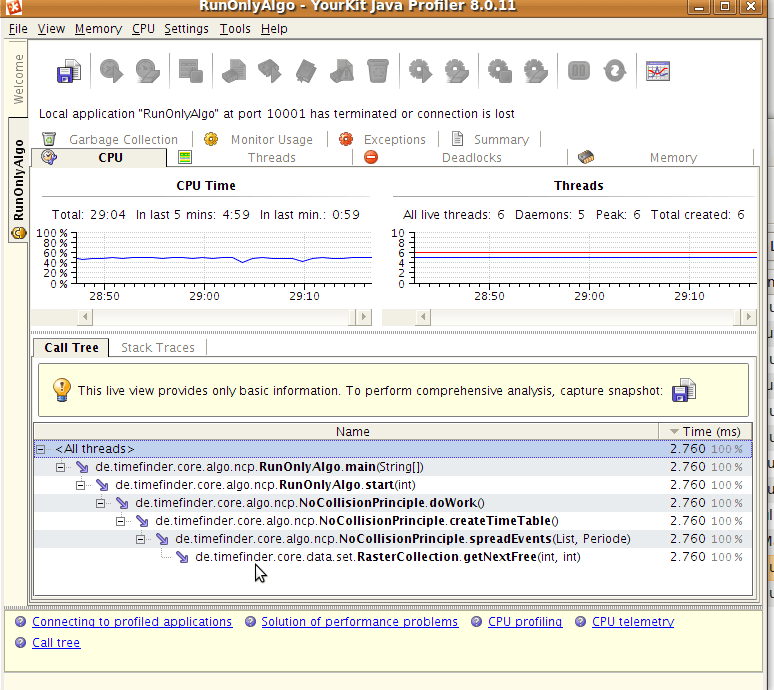
- If you installed the NetBeans 6.7 plugin before you are even able to click on a source file in yk-profiler and this file will be opened automagically in NetBeans
 Navigatone